Make a Design
Answer a few questions
Pick a picture, your hoop and your fabric. StitchFoundry turns it into a few clean shapes, chooses satin, fill and running stitches, and plans the order so there are few trims.
StitchFoundry turns your pictures, logos and names into stitch files for your machine, with AI that helps you design and even checks your finished sew-outs.
Make a Design
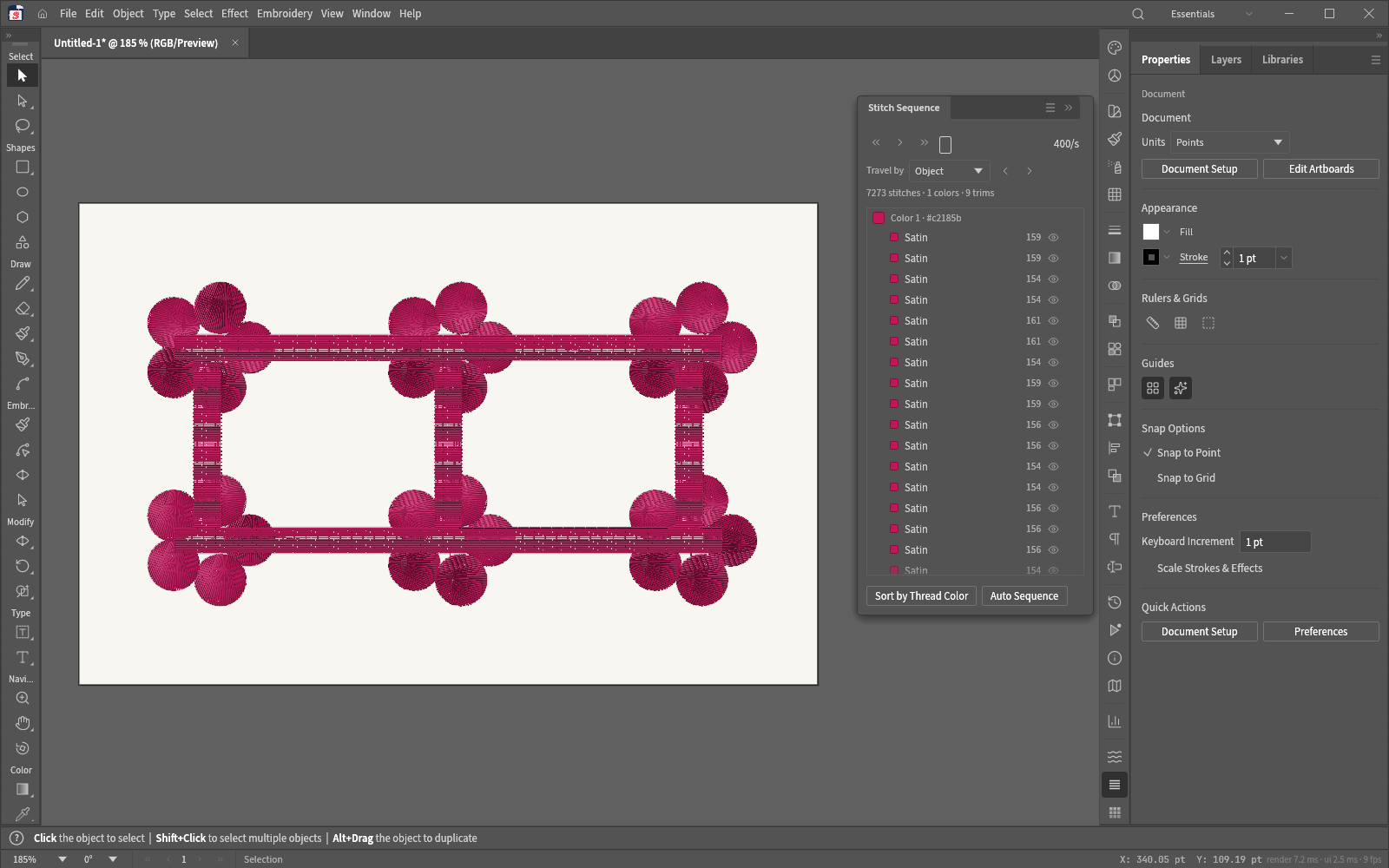
Pick a picture, your hoop and your fabric. StitchFoundry turns it into a few clean shapes, chooses satin, fill and running stitches, and plans the order so there are few trims.
Lettering
Type a name, choose an embroidery font and drag it to size. The letters are spaced and sequenced for stitching, not for printing.
AI help
Design from Prompt draws a design from your words in a few thread colours, and Redraw Image turns a photo or logo into clean shapes that sew well.
Check My Sew-out
Photograph your finished stitching. StitchFoundry explains puckers, gaps and thread breaks, and fixes the design for the next try. With a StitchFoundry Account, three checks a month are free.
See it first
The stitch player shows the order your machine will stitch in, and where it jumps and trims, before you use any thread.
Your fabric
Tell it the fabric (T-shirt knit, denim, towel and more) and it sets the density, underlay and pull compensation to suit.
Tell StitchFoundry your machine once, and Save for My Machine always writes the right file.
StitchFoundry is free and open source. Download it for Windows, Mac or Linux, or try it in your web browser first.
These early builds aren't signed yet. On Windows, if SmartScreen warns, choose More info › Run anyway; on a Mac, right-click the app and choose Open the first time.
AI features cost pennies: about 50 cents for a whole design. Use your own AI key, or buy credits once StitchFoundry Account opens. Always test-sew on scrap fabric first.
Write to [email protected]. We answer every one.